Upgrade your creative skills with our Advanced Graphic Design Course with AI, designed for professionals who want to work faster, smarter, and more creatively. This course covers advanced design principles, branding, UI elements, and high-end visual composition, combined with AI-powered tools such as Adobe Firefly, Midjourney, and other generative design platforms. You will learn how to integrate AI into your design workflow to generate concepts, enhance visuals, and streamline production without compromising creativity or quality.
About Graphic Design Course with Ai
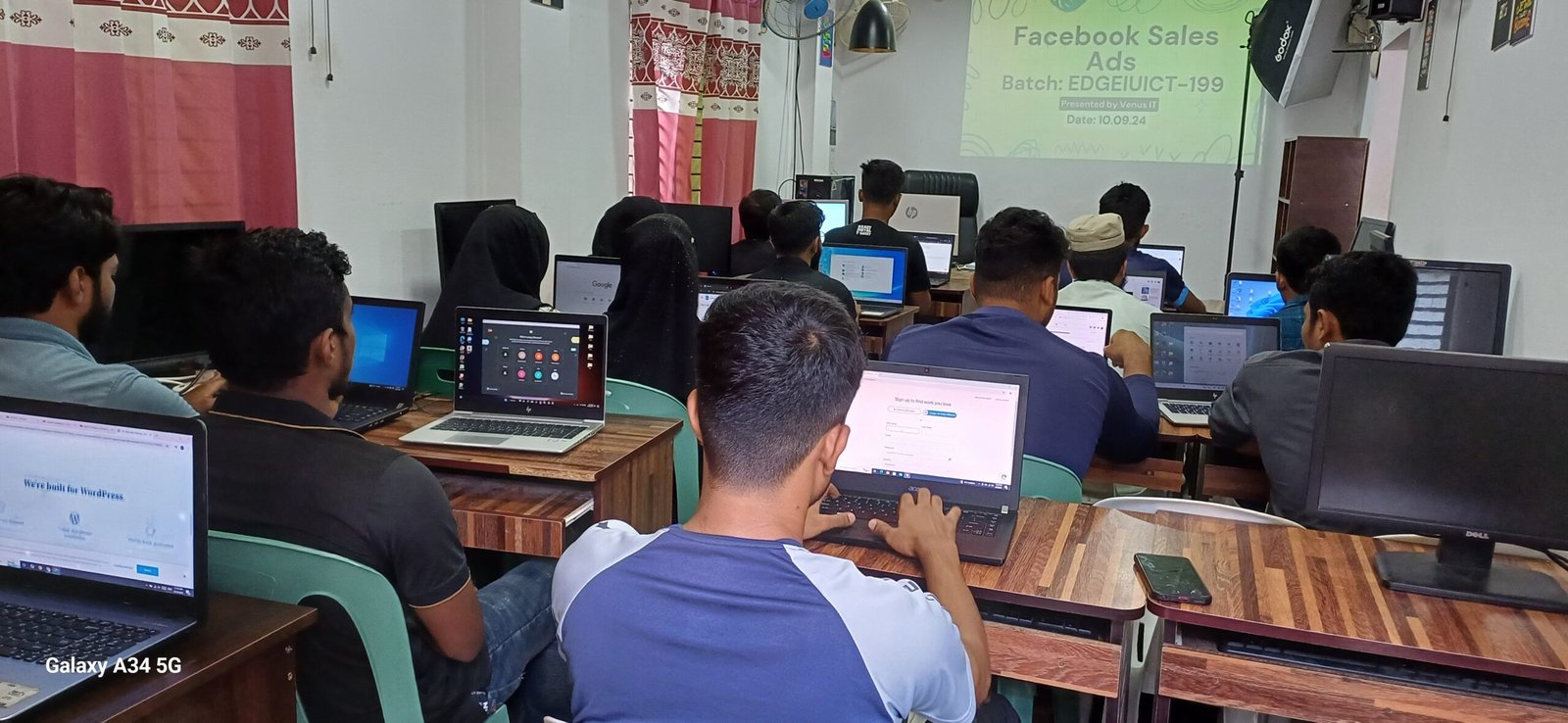
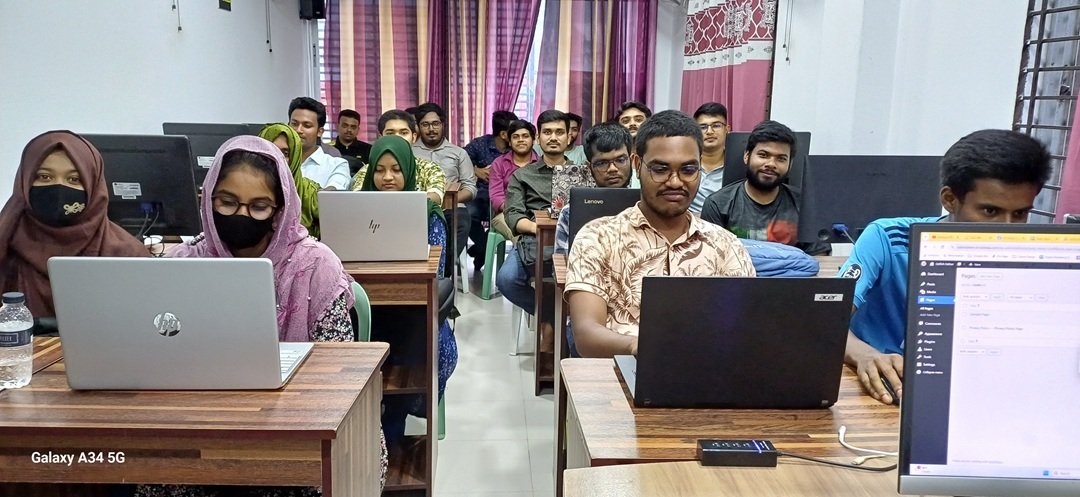
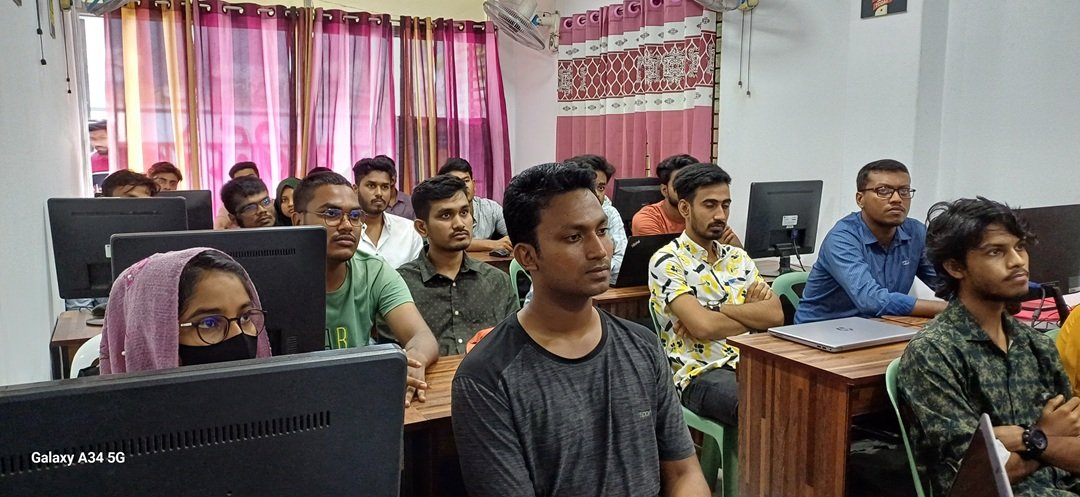
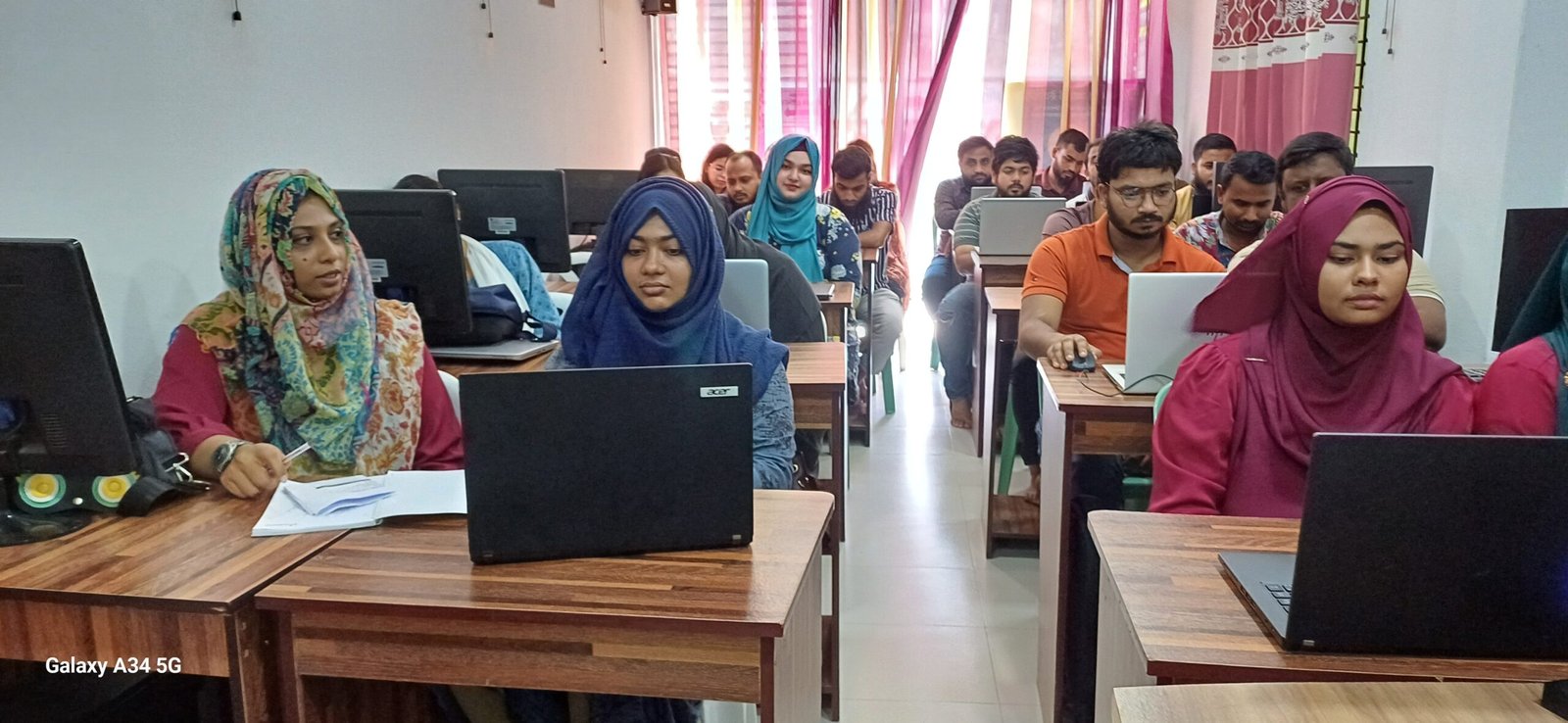
Advanced & Project Based Training
Through practical projects and real-world use cases, you will master advanced techniques in Photoshop, Illustrator, and modern design systems while leveraging AI for ideation, image enhancement, layout optimization, and client-ready outputs. By the end of the course, you will be able to deliver premium design solutions, increase productivity, and stay competitive in the evolving creative industry.
3.5 Months Course & Weekly 3 Days
A new batch of our Graphic Design Course begins every first day of each month. This is a structured four-month program, with classes held three days per week.
Lifetime Support
Once enrolled, you may continue attending classes for as long as needed—until you achieve full confidence and professional-level expertise.
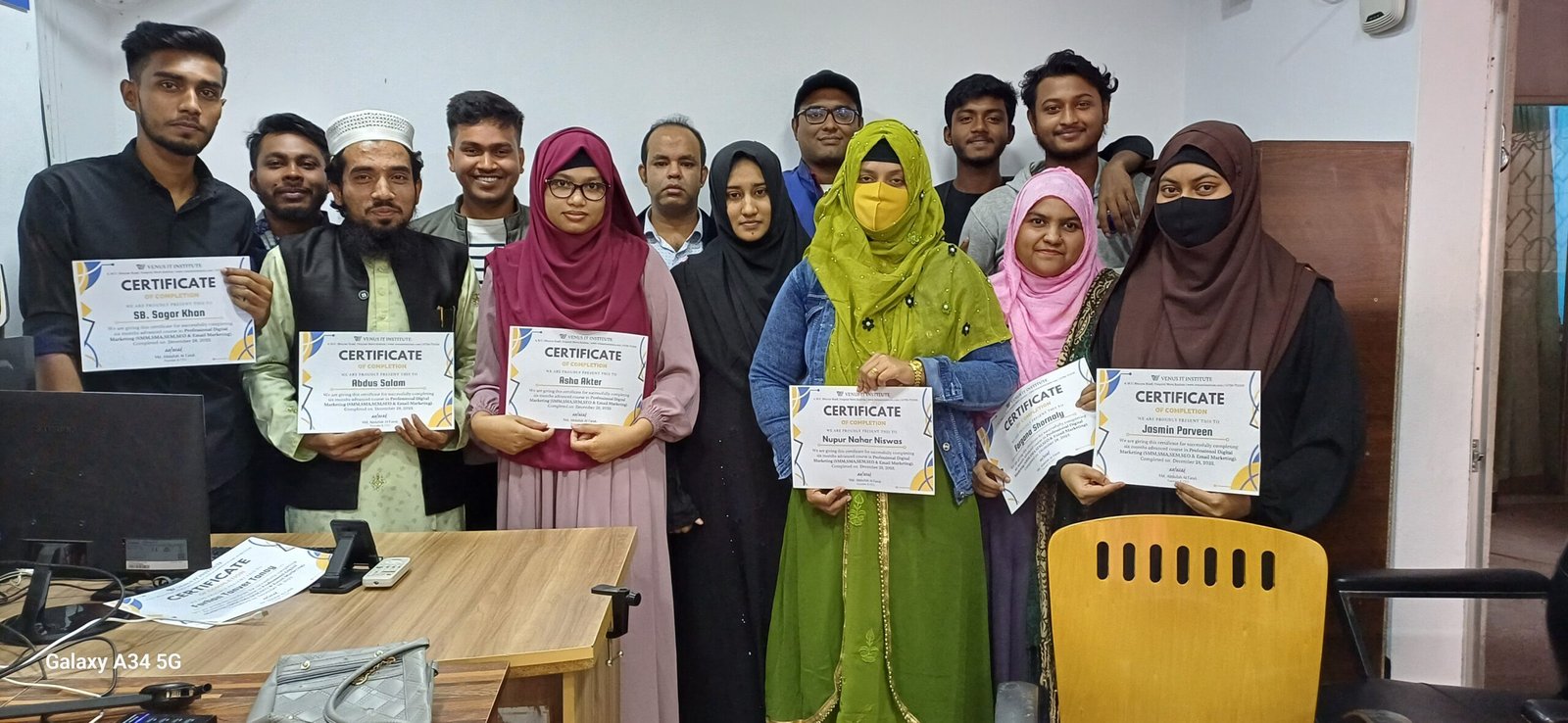
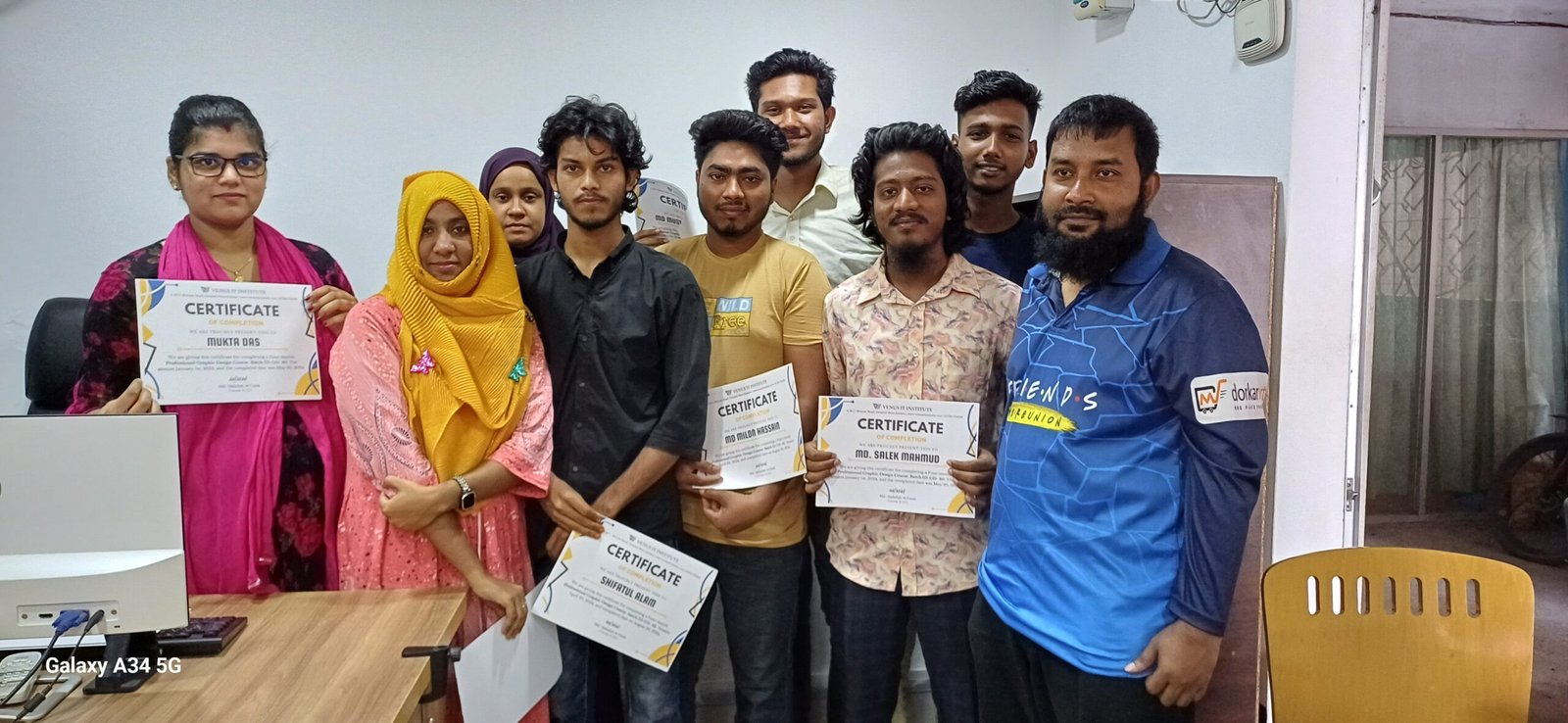
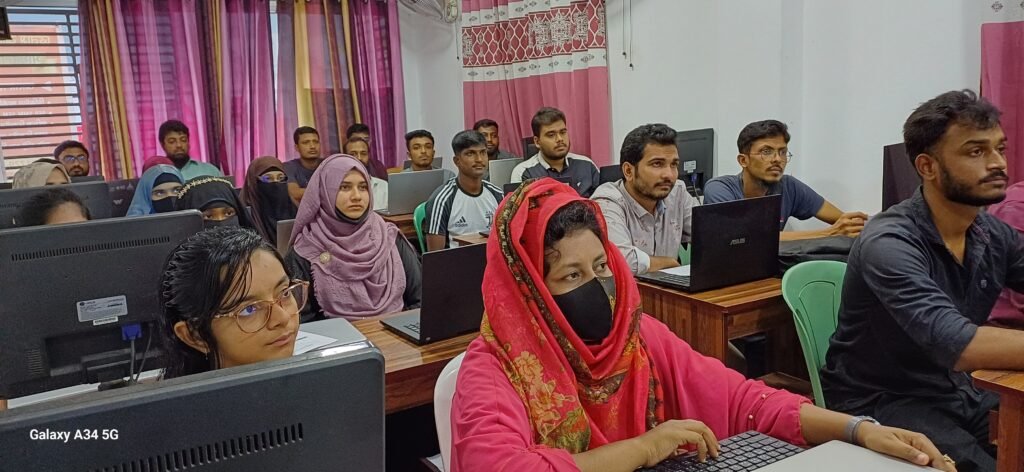
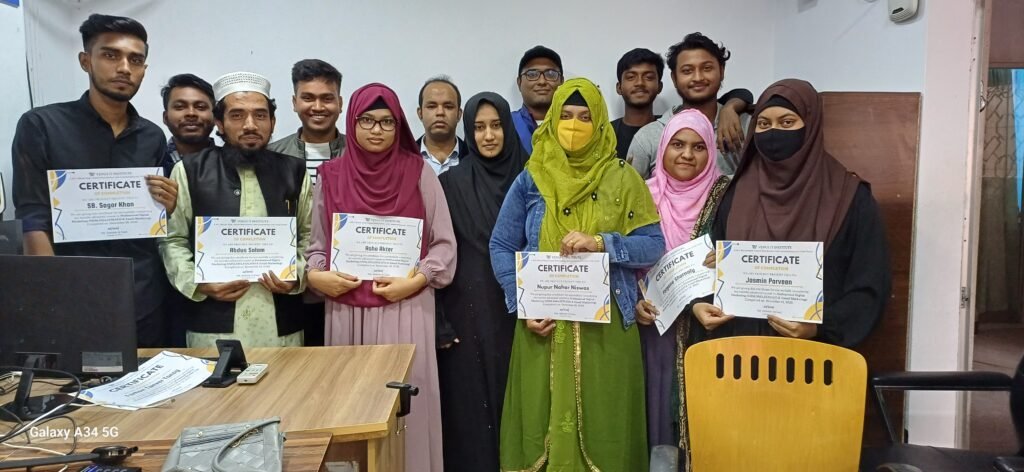
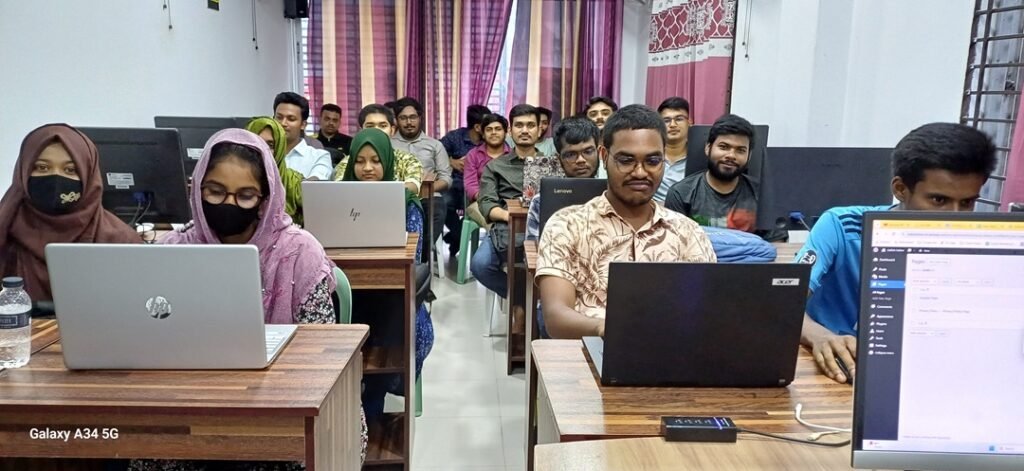
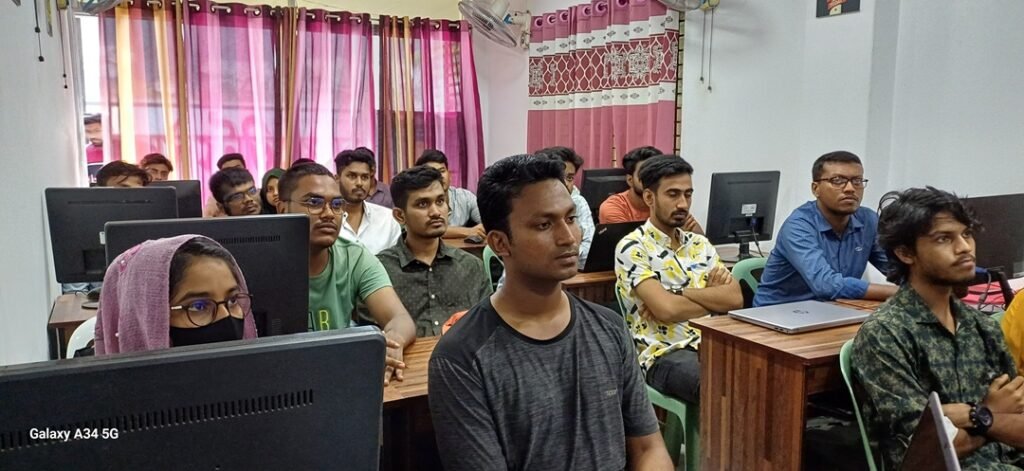
With over 100 successful batches completed, we have established a consistent track record of delivering high-quality training and producing skilled, confident professionals.
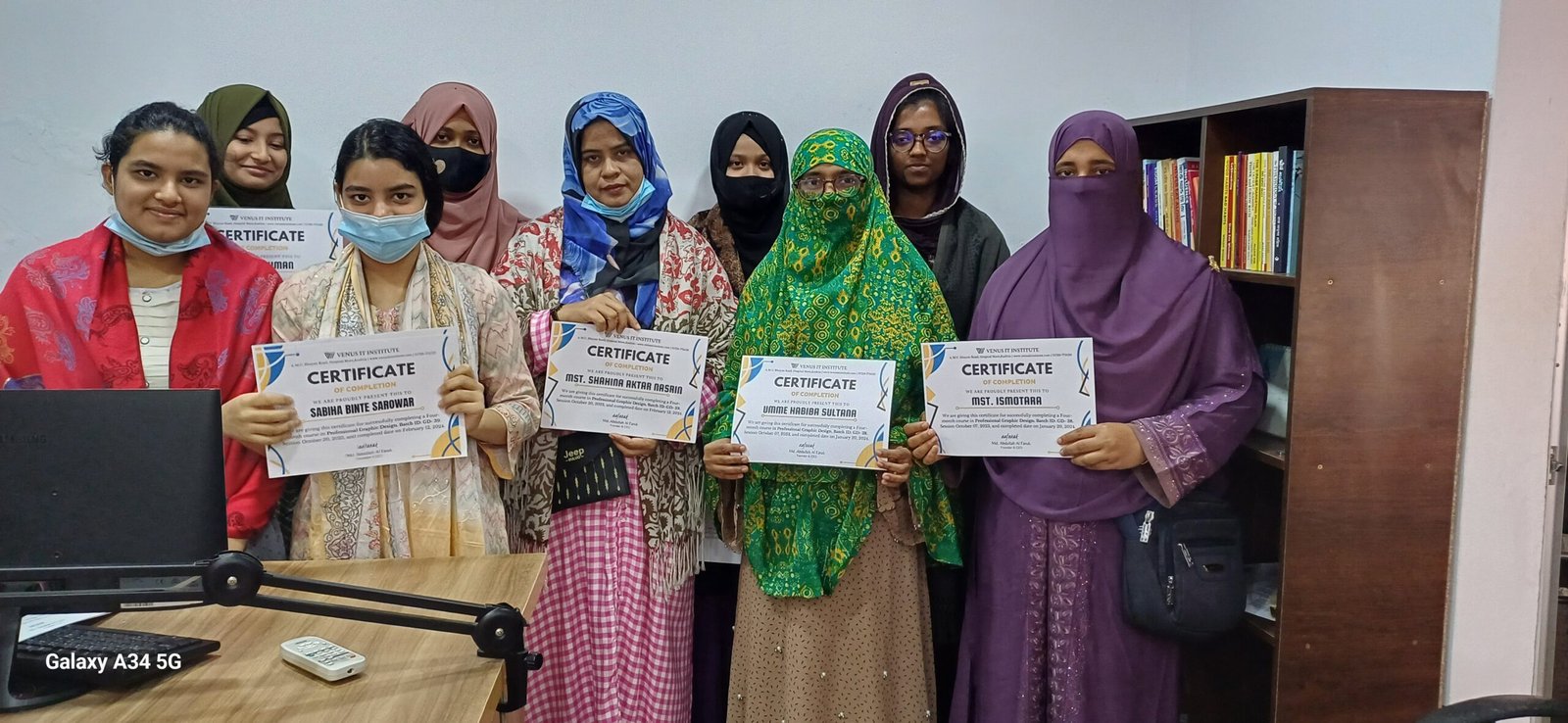
Trained 3000+ People
We have successfully trained more than 3,000 individuals, helping them build strong digital skills and advance their careers through practical, industry-focused learning.
1000+ Actively Working
More than 1,000 of our trainees are now actively working in both freelancing and professional job sectors, building successful careers with the skills they gained from our training.
Course Topics
What we covered in the Graphic Design Course
Foundations of Graphic Design & AI
Understanding core design principles and how artificial intelligence enhances modern creative workflows.
AI Tools for Designers
Hands-on use of AI-powered tools such as Adobe Firefly, Midjourney, DALL·E, and Canva AI for design creation.
AI-Based Image Generation & Enhancement
Creating visuals from text prompts, upscaling images, background removal, and smart retouching with AI.
Branding & Visual Identity with AI
Designing logos, color systems, typography, and brand assets using AI-assisted ideation and refinement.
Advanced Photoshop & Illustrator with AI
Using AI features for object selection, generative fill, vector creation, and layout optimization.
Prompt Engineering for Designers
Writing effective prompts to generate accurate, creative, and brand-consistent design outputs.
Social Media & Marketing Creatives with AI
Designing ads, banners, thumbnails, and posts quickly using AI-driven design automation.
Workflow Automation & Productivity
Streamlining repetitive tasks, speeding up revisions, and managing design projects efficiently with AI tools.
Ethics, Copyright & Client-Ready Delivery
Understanding AI ethics, copyright considerations, and delivering professional, compliant design work to clients.